Now we learn about google adk.
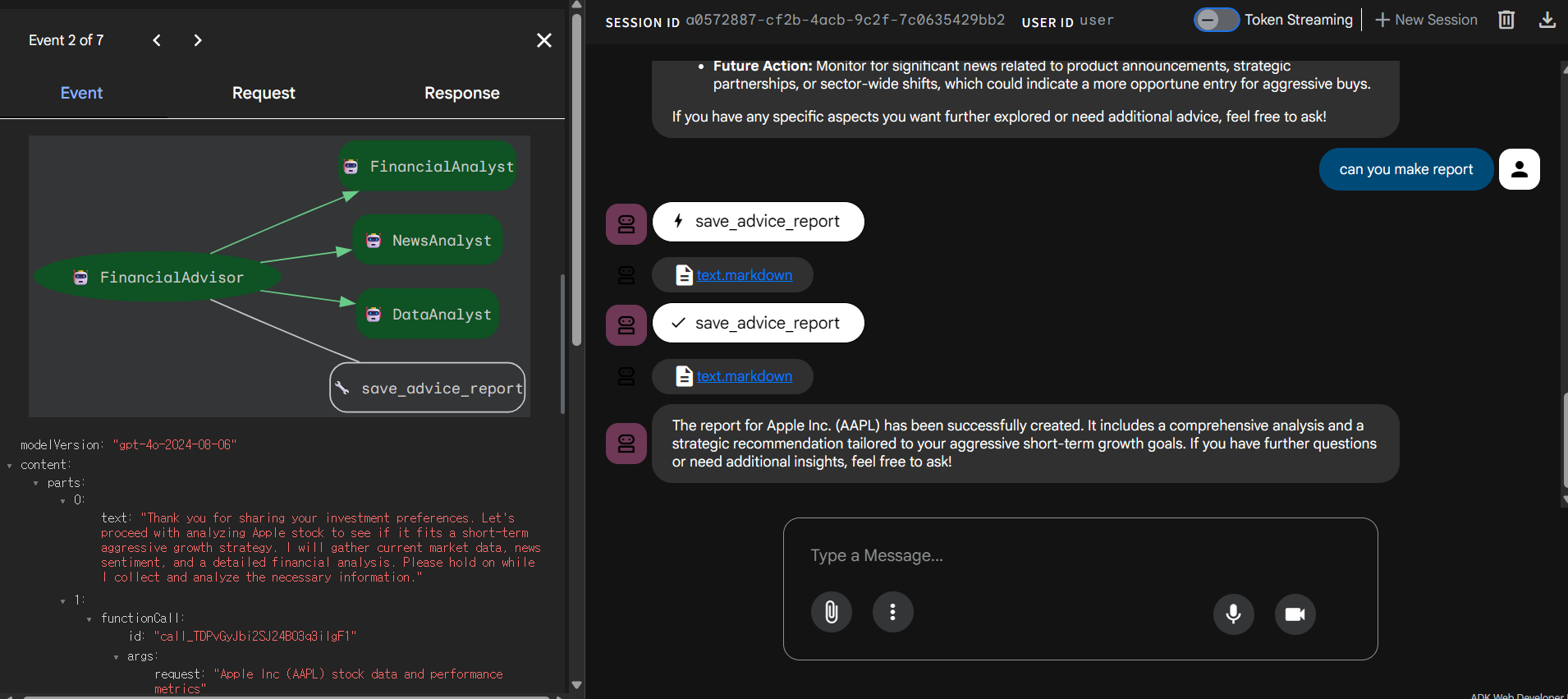
By using this wonderful tool, you don't have to code frontend ui when your goal is just debugging and checking if code is alright as developer.
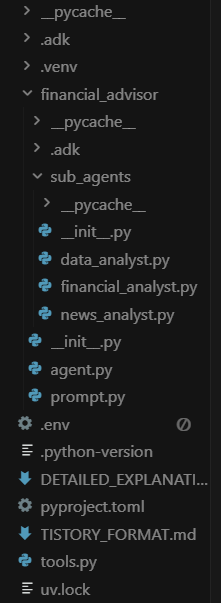
First of all, you set up files like this.
And pyproject.toml file is
[project]
name = "financial-analyst"
version = "0.1.0"
description = "Add your description here"
readme = "README.md"
requires-python = ">=3.12"
dependencies = [
"firecrawl-py==2.16.3",
"google-adk>=1.11.0",
"google-genai>=1.31.0",
"litellm>=1.75.8",
"python-dotenv>=1.1.1",
"yfinance>=0.2.65",
]
[dependency-groups]
dev = [
"watchdog>=6.0.0",
]
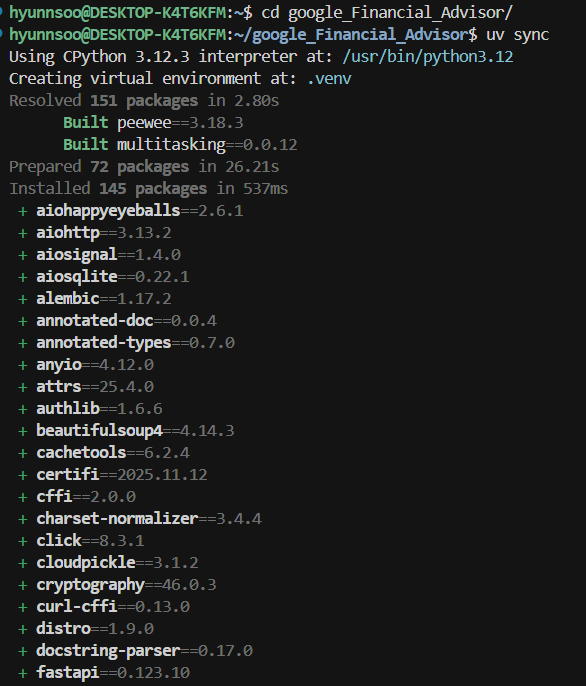
then, you run uv sync in terminal at out folder(big project), not in inside folder.
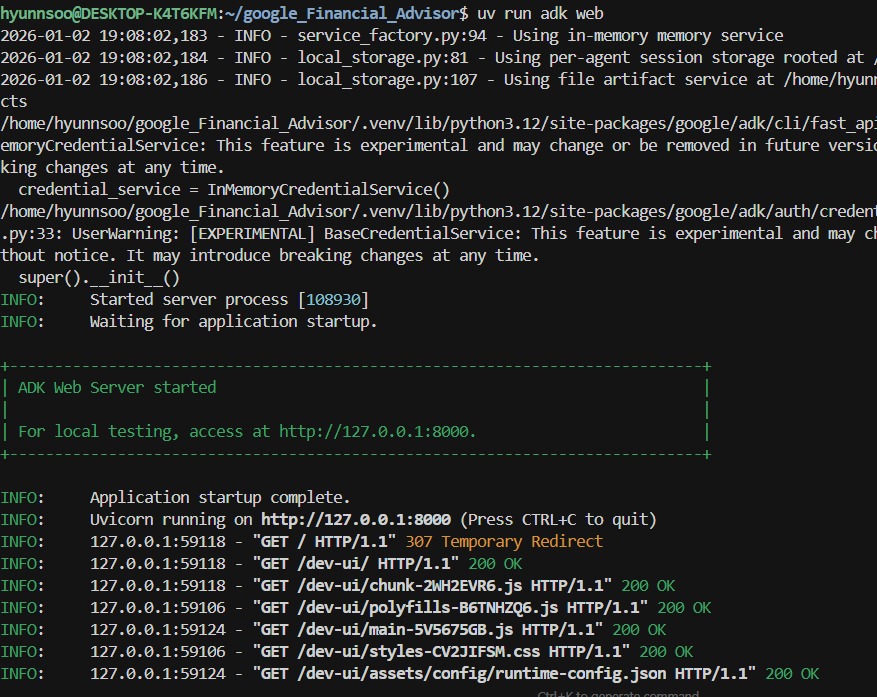
then if you run terminl "uv run adk web" , you can recieve local page url.